Apartment Dance AI Video Generator
Apartment Dance AI turns one photo into a 10-second vertical video: you dance by a speaker in a lit apartment window at night, notice the camera outside, give it the middle finger and close the curtains.
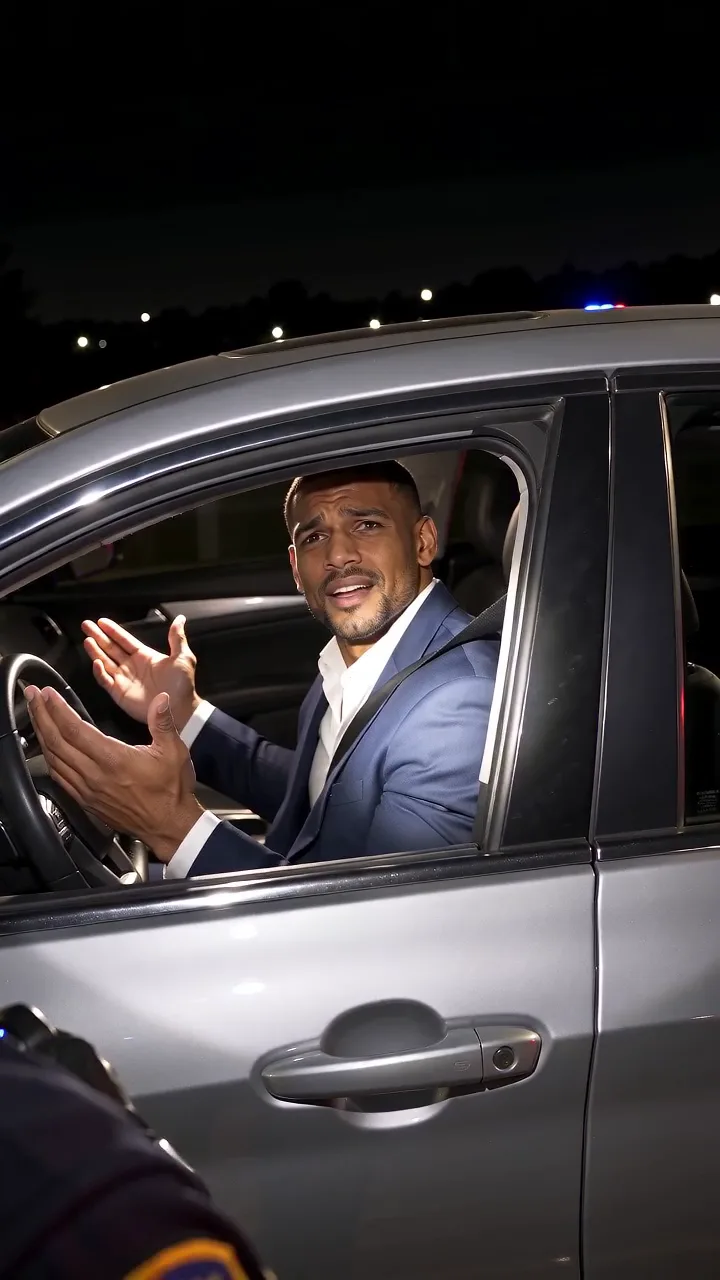
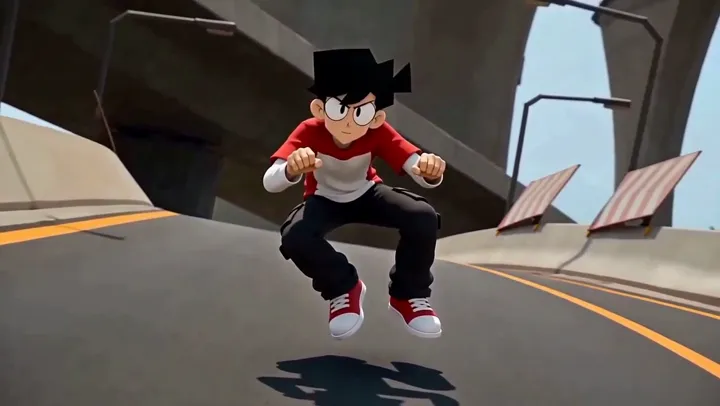
Example made with this template from other photos. Your result will vary.
What do your photos turn into?
This photo went in, and this is the video they produced. Your result keeps the scene and uses your own photo.
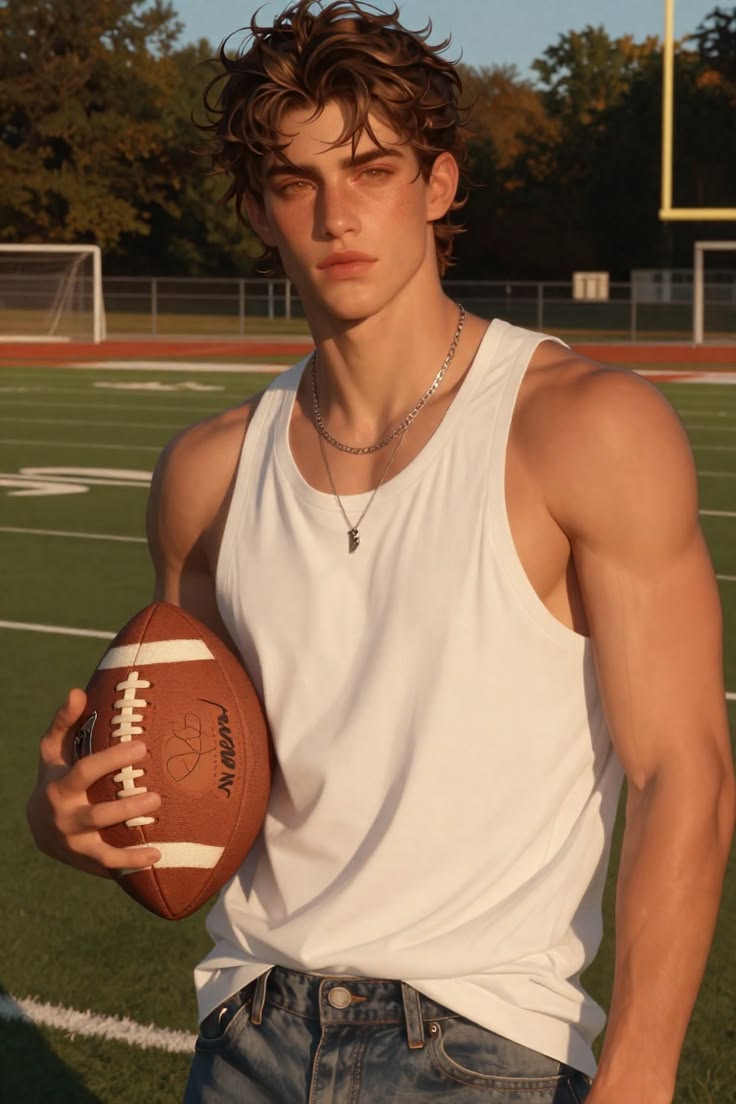 Photo
What is Apartment Dance AI?
Apartment Dance AI turns one photo into a 10-second vertical video: you dance by a speaker in a lit apartment window at night, notice the camera outside, give it the middle finger and close the curtains.
You upload one photo of one person. The output is 10 seconds, vertical 9:16, with sound. There is no prompt to write.
- Night exterior: one lit window in an apartment block.
- Dancing next to a glowing speaker.
- Stopping to stare at the camera outside, then raising a middle finger at it.
- The curtain closes.
How do you make an Apartment Dance AI video?
Upload one photo
One clear photo of one person, ideally showing most of the body. Use your own photo or an adult who agreed.
See the price
Pick 480p or 720p HD. The price (from 15 credits) shows as soon as your photos are in, no account needed; sign up only to generate.
Generate
Rendering can take several minutes depending on the queue. Finished videos are saved in your Library.
Review and download
Check faces and hands, then download the MP4. If the generation fails, the credits return automatically.
Which photos work best for Apartment Dance AI?
- Use one person. A photo with friends gives the model several faces to choose from.
- A full-body or three-quarter photo works best, since the dance is filmed through a whole window.
- A neutral or curious expression fits the "caught on camera" ending, which includes a middle-finger gesture.
- Avoid dark or blurry photos; the scene itself is already at night.
What does Vidlantern add to Apartment Dance AI?
Pick your quality
15 credits at 480p or 30 at 720p HD. The price is shown before you pay; the length is fixed by the template.
Refund on failure
If the generation fails, the credits go back to your balance automatically.
Private by default
Your photos and videos are visible only to you unless you share a link.
Works in the browser
Upload from your phone, including by QR code from a desktop, and download the MP4 on iPhone, Android or desktop.
Apartment Dance AI key facts
| Item | Detail |
|---|---|
| Photos | One, one person |
| Length | 10 seconds |
| Format | Vertical 9:16, 480p or 720p |
| Sound | Yes, set by the template |
| Price at 480p | 15 credits |
| Price at 720p HD | 30 credits |
| Prompt | None |
Length and sound were measured on the template’s published example outputs on 2026-11-05. Your result keeps the scene but faces, timing and details vary.
When should you use Apartment Dance AI?
- A "caught dancing" meme for Reels, TikTok or Shorts.
- A funny profile clip that ends on a punchline.
- A teaser for a party or a new song you are dancing to.
- Not suited to: two-person videos, children, real surveillance-style footage of someone who did not agree, celebrities, or accounts and audiences where a middle-finger gesture is not acceptable. See the Acceptable Use Policy.
How to Create with Apartment Dance AI
Choose a template and photo, see the price, then generate the video. No prompt needed.
Choose a Clear Portrait
Choose a supported image from your computer, drag and drop, or use the phone upload link. Review the template’s photo requirements before continuing.
Portrait photo · review the selected template’s file requirements
Prepare your photo for Apartment Dance AI
One clear photo of one person, ideally showing most of the body. Use your own photo or an adult who agreed.
Recommended
Keep eyes visible, use even lighting, and choose a sharp image.
Avoid these input issues
Avoid heavy blur, extreme angles, hidden eyes and faces cut off by the frame.
JPG, PNG or WebP · Up to 10 MB. Use photos you have permission to upload. Any people shown must be adults who agreed to appear.
A template workflow or your own motion reference?
A comparison of documented inputs and controls, not a head-to-head test of quality, speed or price. Check the linked documentation for current provider terms.
| Dimension | Vidlantern connected templates | Kling 2.6 Motion Control via fal |
|---|---|---|
| Starting material | Your photo and a connected template | A character image and a reference video |
| Motion setup | Choose a template, upload your photo, see the price, then generate a video with creative variation | Provide your own motion reference and choose character orientation |
| Audio | Optional model-generated audio where supported; no original song included | The documented API has a keep_original_sound option for the reference video |
| Availability here | Only templates marked connected can submit paid jobs | An alternative documented workflow, not enabled by this comparison |
- Credit packages and pricing · Checked 2026-10-27
- Kling 2.6 Motion Control input schema · Checked 2026-10-27
Apartment Dance AI questions
Is this the Window Dance trend?
It matches the format trend sites call the "Window Dance": someone dancing in a lit window at night who notices they are being filmed. Vidlantern found no reliable source for who started it.
How long is the Apartment Dance AI video?
10 seconds, vertical 9:16, with sound. SeeAPI’s example outputs all run 10.05 seconds.
Can two people dance in the window?
No. Apartment Dance AI takes one photo of one person. For two people, try Neon Duo Dance AI.
Does the Apartment Dance AI video include a rude gesture?
Yes. Near the 7-second mark the dancer gives the camera the middle finger, then closes the curtains. The gesture is part of the template and cannot be turned off, so check your platform’s rules before posting.
Is it the cheapest dance template?
Yes. It starts at 15 credits at 480p (30 at 720p), the lowest price among the dance effect templates.
How much does Apartment Dance AI cost?
15 credits at 480p or 30 at 720p HD per video (10 seconds, vertical 9:16, with sound). Pick the quality in the studio; the price shows before you generate, and failed generations are refunded automatically. New accounts get 5 credits, which is not enough for a video. See prices.
Do I need to write a prompt?
No. The template sets the scene, motion, camera and sound. You upload one photo of one person.
Can I post the video?
Review it first and label it as AI-generated. The video includes the template’s own soundtrack; Vidlantern does not confirm music rights, so swap in licensed audio if your platform or use needs it. Terms.
What happens to my photos?
Uploads are private and scheduled for deletion after 7 days; generated videos after 30 days. Download the videos you want to keep. Privacy policy.
Payments, delivery and privacy
Secure checkout. Clear credit rules.
Pay on Stripe’s hosted checkout. Your full card number and security code do not pass through Vidlantern’s servers.
Review before paying
Stripe shows the total and the payment methods available for your country, currency and device before you confirm.
Failed generations refunded
If a generation fails, the credits go back to your balance automatically. You are only charged for completed videos. Credit and refund policy
Pay as you go
Every credit pack is a one-time payment. There is no subscription and nothing renews; your credits do not expire. See credit packs
Payment help
For duplicate charges, missing purchased credits or payment problems, contact hello@vidlantern.com within 14 days. Payment refunds are reviewed under the refund policy. Contact support
Straight from photo to video
Available templates turn your photo straight into a video. Each creation is a variation in the template’s style; poses, expressions and motion can vary.
See a real example
Each template example was made with that template from other photos. Your video, motion and audio will differ.
Choose the supported output
Choose from the durations, formats and video options shown in the studio. Example dimensions describe the example. Quality labels do not guarantee HD output or upscaling.
Queue times vary
Provider load and processing affect completion time. Follow the task status in the studio or library; no fixed rendering-time guarantee is offered.
Use authorized adult likenesses
Use your own photo or one of an adult who agreed. Follow the content rules and label synthetic media appropriately when sharing. Acceptable use
Review your audio
Audio is optional where supported and generated by the selected model. No original song or licensed commercial recording is included. Check the audio and the rights for your intended use.
Independent creative tool
These concepts are not official artist, sports team or brand products. Review the result and the rights needed for your intended use. Terms of service
Choose when to send a photo
A local file selection stays in the browser until you submit a step. Phone relay uploads are stored privately so your signed-in computer can receive them.
Private account access
Uploaded photos and generated outputs use owner-restricted file endpoints. Preview examples in the public catalog are separate from your private work.
Retention and deletion
Uploads are scheduled for removal after 7 days and generated outputs after 30 days. Download work you want to keep, or delete a finished creation from your library.
Third-party processing
Submitted files are processed by the services described in our privacy policy, including SeeAPI for generation and safety checks. Read that policy before uploading. Read the privacy policy